
1Connect
Connect your printer
Connect your supported Epson printer directly to your computer with a USB cable. PrintCuro keeps the setup simple and tells you exactly what is needed.
Direct USB connection

Clear the ink waste counter on supported Epson printers with a simple guided workflow. Safe, clear and beginner-friendly.
 Secure workflow
 Guided reset
 Made for beginners

PrintCuro supports several of the Epson printer families that most commonly need waste-ink counter resets. The workflow stays the same: connect by USB, detect the printer and follow the guided reset.
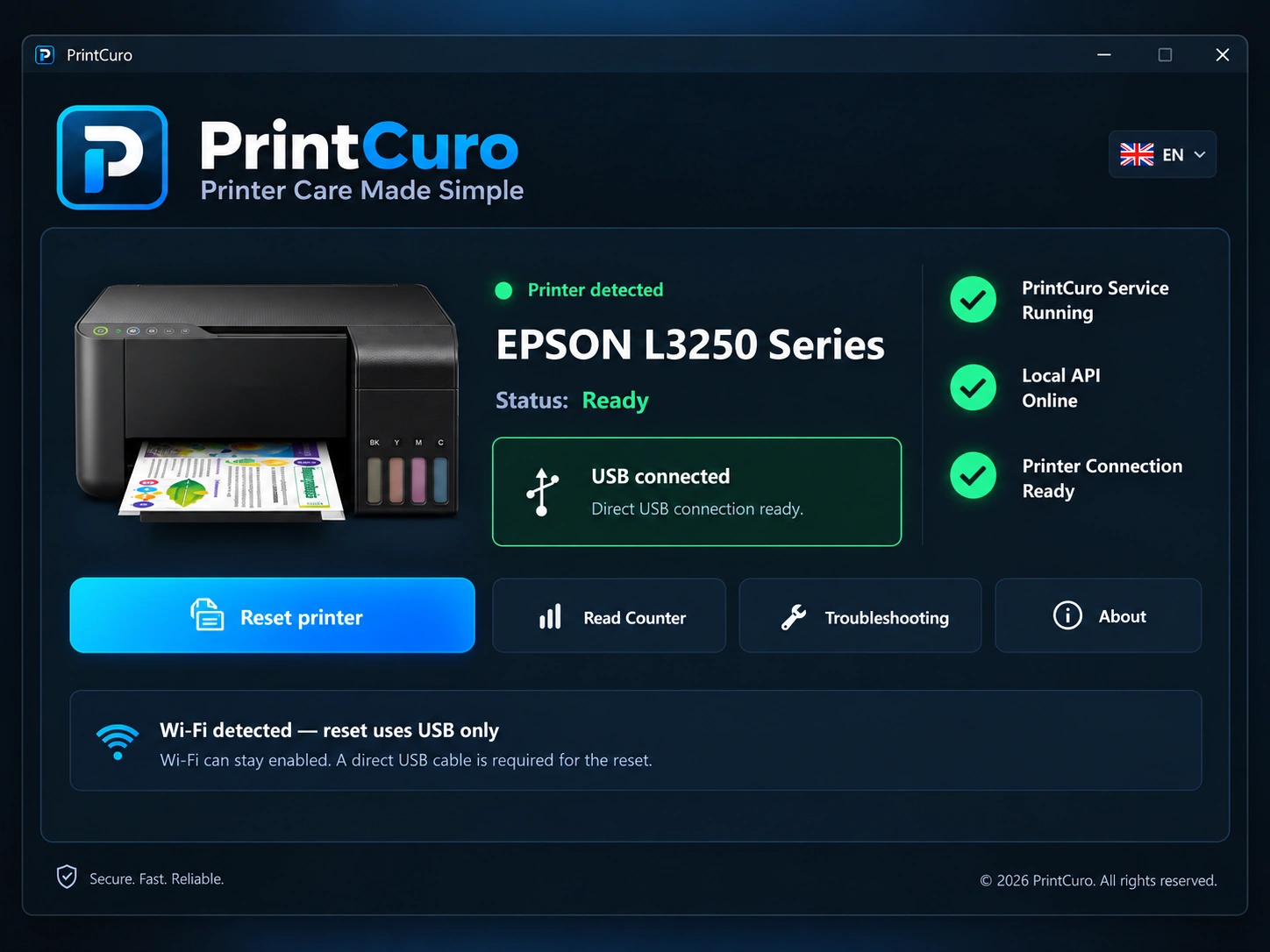
Connect your supported Epson printer directly to your computer with a USB cable. PrintCuro keeps the setup simple and tells you exactly what is needed.
PrintCuro automatically detects the supported printer model, checks the connection status and shows a clear, beginner-friendly readiness screen before you continue.
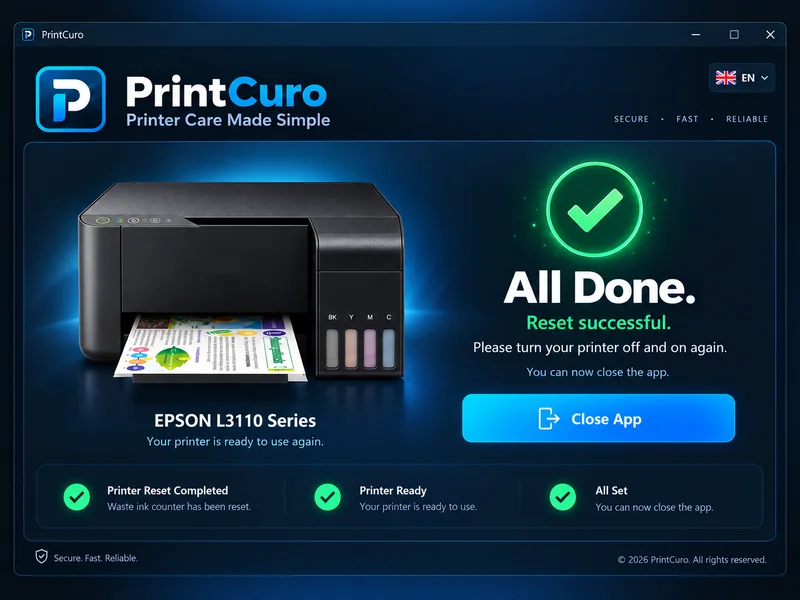
Follow the on-screen reset flow, confirm the result and return to printing. The process stays focused, clean and easy to follow from start to finish.
A cleaner, simpler way to handle supported Epson waste-ink resets.