Most reset problems are simple connection or status issues. Start with the three checks on the right, then use the answers below if you still need help.
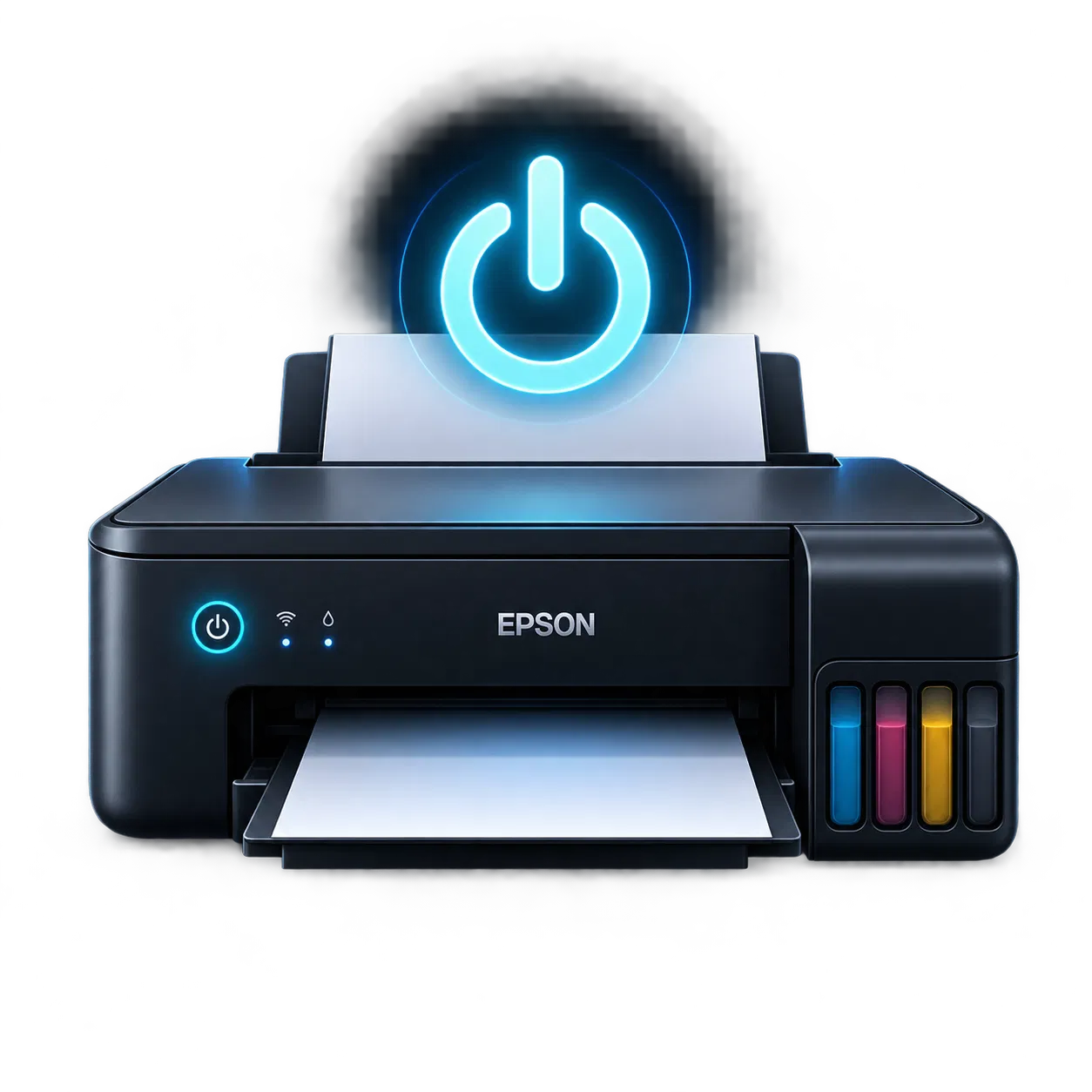
Printer switched onPower on before detection
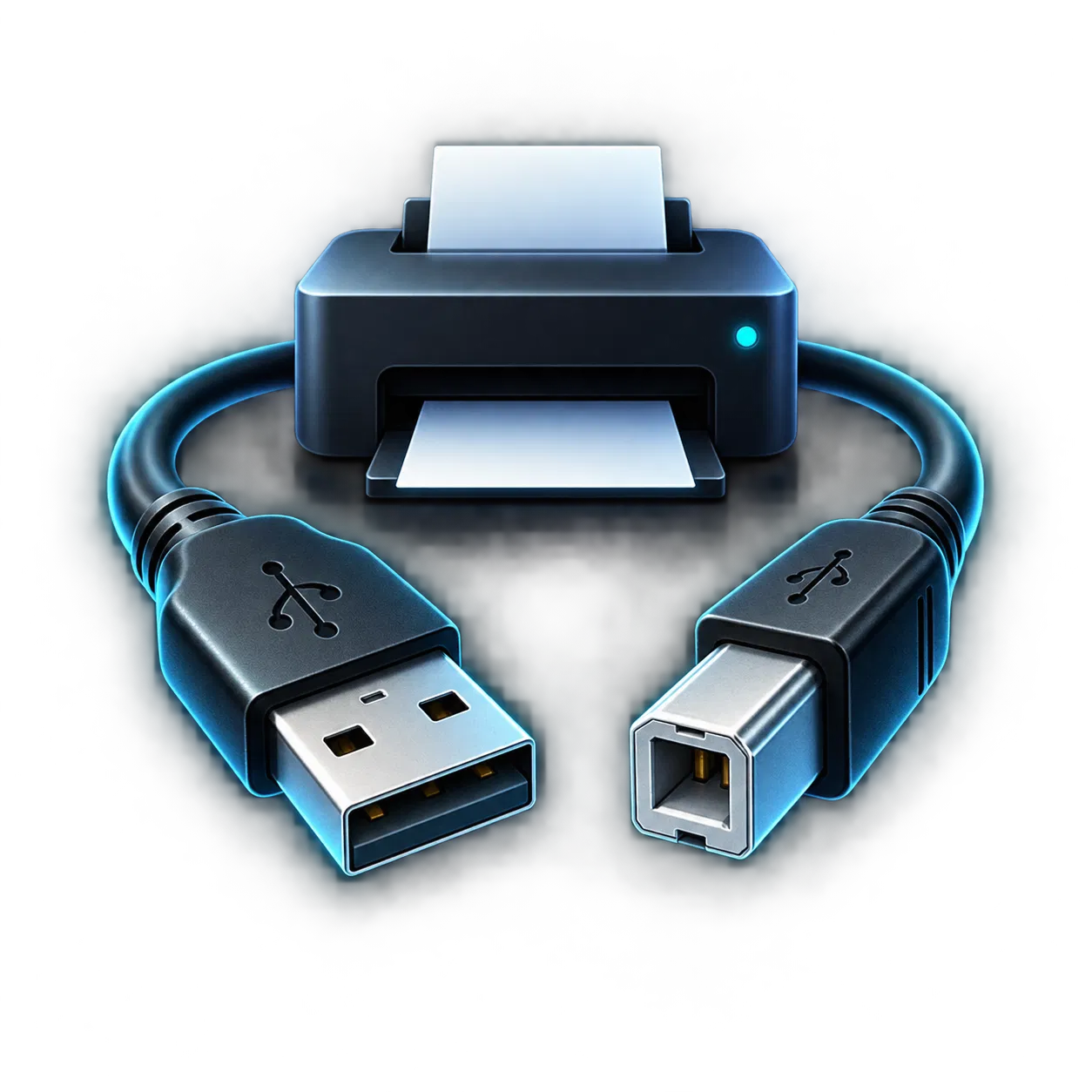
Direct USB cableConnect it to this computer
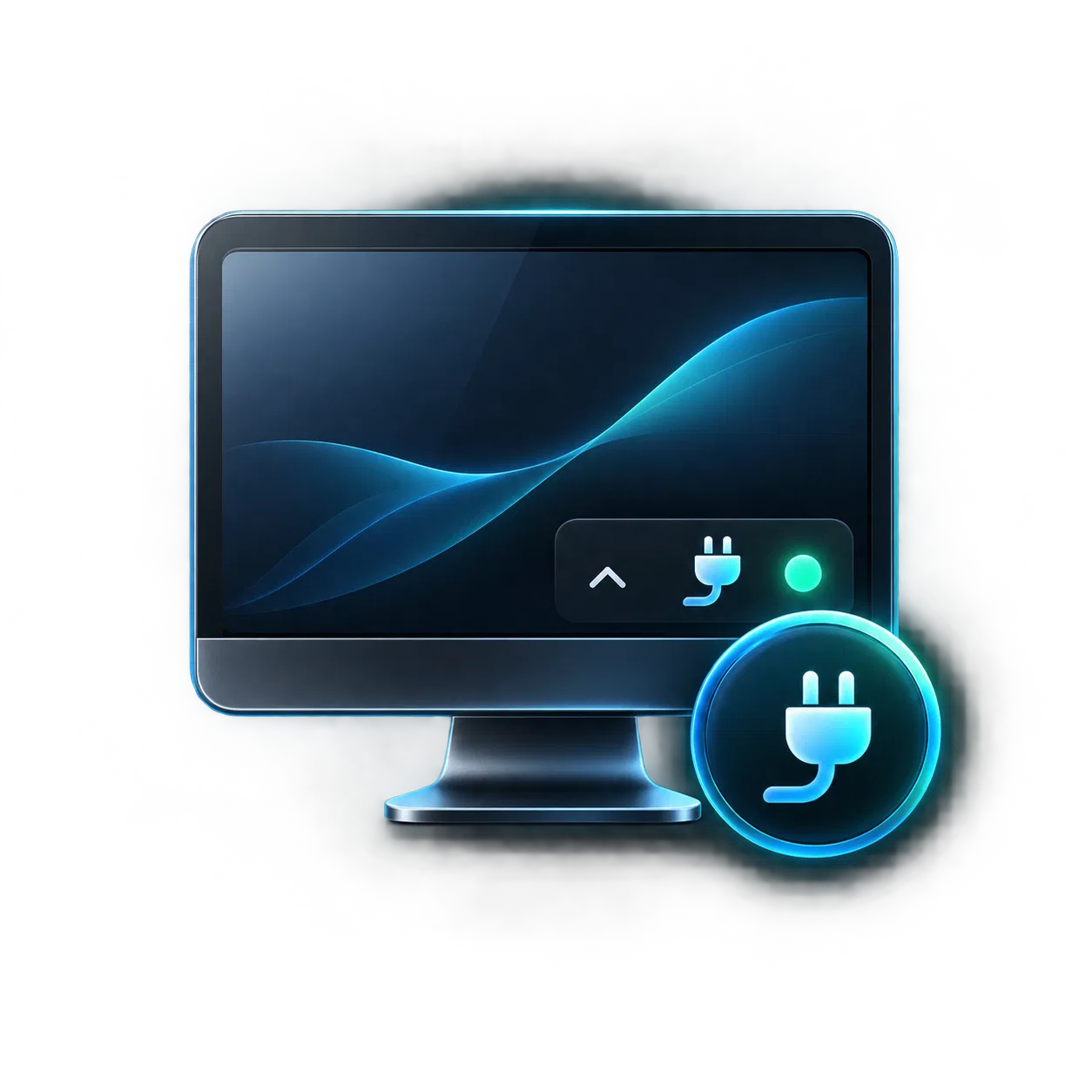
Connector runningCheck the tray on this computer
Common questions
Quick answers. Clear next steps.
These are the most common issues during detection and reset. Your reset key is not consumed just because a printer is unsupported or cannot be detected.
My printer isn't detected
Make sure the printer is switched on and connected by USB directly to this computer — the same computer where you have the PrintCuro website open and where the PrintCuro Connector is installed and running. If you just installed or started the Connector, refresh this page. If the printer is still not found, check that the PrintCuro Connector is running in the system tray on this computer.
USB cable required
Even if the printer is visible over Wi-Fi, resets are performed only through a direct USB connection for reliability and safety. You can leave Wi-Fi enabled. Connecting USB does not affect your reset key.
My printer isn't supported
PrintCuro adds support for more Epson printer models over time. If your printer is shown as not currently supported for reset, your key has not been used. Check the current supported-model list or try again later.
My reset key doesn't work
For security, the same generic message may cover an already-used, not-yet-valid, expired or unrecognized key. If you believe the key should work, contact support with your order or reference information.
Keep the printer connected
Do not switch off or disconnect the printer while a reset is running. Interrupting the process can leave the operation in an uncertain state.
Reset result couldn't be confirmed
If PrintCuro cannot automatically confirm the result, the key is placed under review and you receive a reference code. Do not attempt another reset. Contact support with that reference code.
Waste ink pad maintenance
Resetting the counter does not replace or clean the physical waste ink pad. Service or replace the absorber when required by the printer's condition and maintenance guidance. Waste ink pad help →
Support reference ID
After a completed, failed or under-review reset, PrintCuro shows a short reference code such as R-7F4K2M. Include it when contacting support or communicating through eBay so the transaction can be found quickly.
Advanced / technical troubleshooting
The PrintCuro Connector runs locally on your computer and listens only on 127.0.0.1, so it is only reachable from a browser on that same computer — never from the internet or from any other device. If antivirus software blocks it on first run, you may need to allow it. Resets are performed only over a direct USB connection, never through Wi-Fi or the network.
Ready to try again?
Check your model first or return to the guided reset flow.