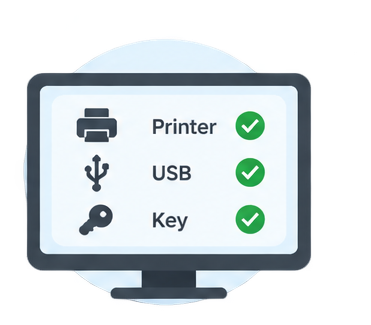


Connect your Epson printer directly to this computer with USB.
Network / Wi-Fi
Not used for reset
USB
Required
Power
Printer switched on
This usually takes a few seconds.
PrintCuro Connector required
Install the PrintCuro Connector to automatically detect your printer and perform the reset securely over USB.
Windows
Coming soon
macOS
Coming soon
Linux
Coming soon
Already installed it?
Advanced help
If the connector is running but still isn't detected, some antivirus software blocks new local applications the first time they run — you may need to allow it.
No printer detected
Make sure your printer is powered on and connected, then try again.
USB cable required
Epson printer
Connected via Wi-Fi
Resets are only performed over a direct USB connection, for reliability and safety.
Connect your printer directly to this computer with a USB cable, then click Try again.
Wi-Fi can stay enabled — the reset itself is performed only through USB.
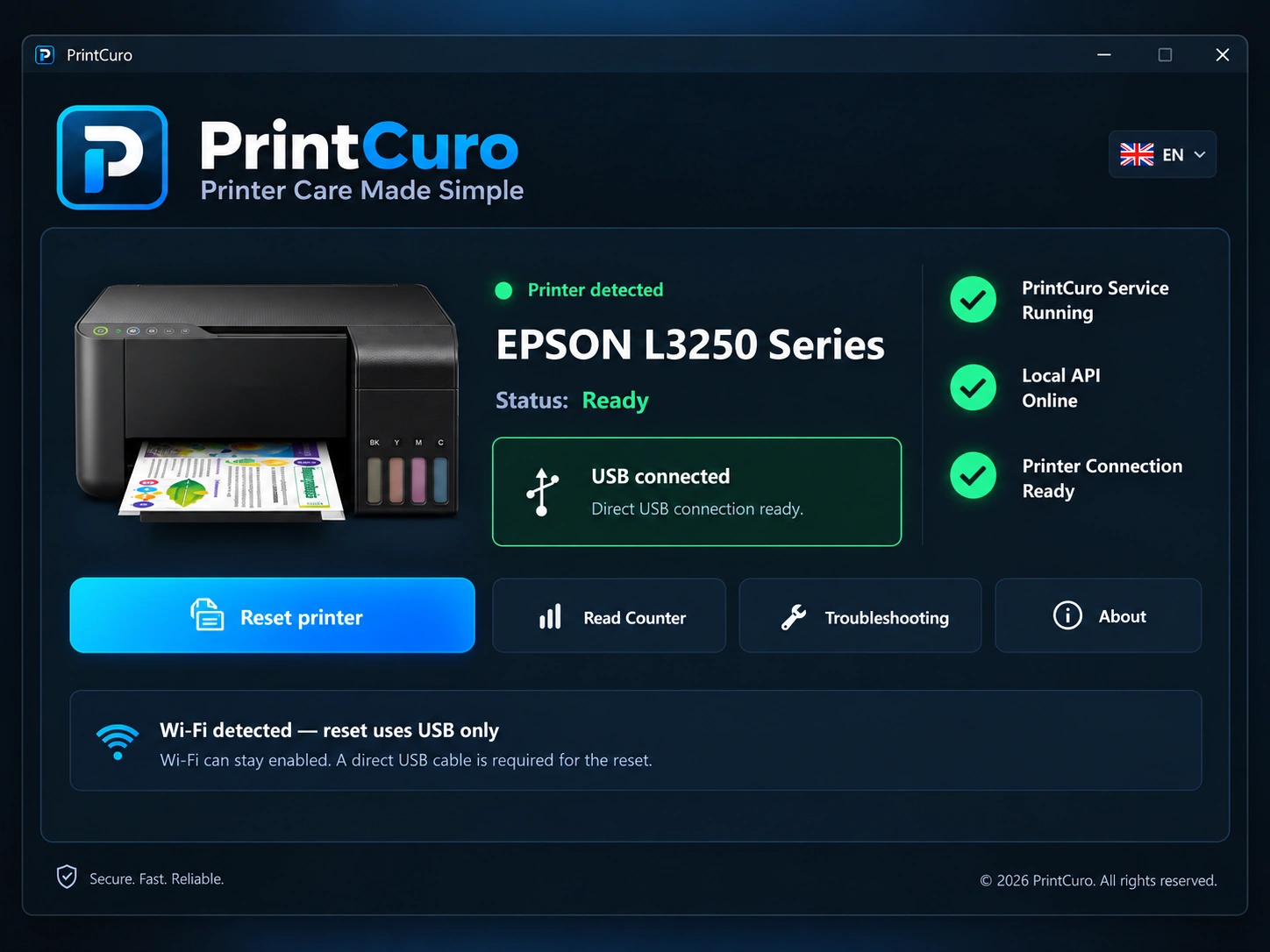
We found an Epson printer
Choose the one you want to reset.
Checking your printer…
One moment while we check whether this printer is supported.
Printer detected
Epson printer
USB Connected
This printer is not currently supported for reset.
Your key is checked now, but is only used once you click “Reset my printer” on the next screen.
By continuing you agree to our Terms & Important Information
and Privacy.
This reset key doesn’t cover this printer
This printer is not currently supported by this reset key.
Your reset key has not been used.
Ready to reset
—
USB connected · Reset Key ✓
Waste Ink Counter
—
Before you continue:
Keep your printer switched on and connected by USB until the reset is complete.
Do not close this page while the reset is running.
For fraud prevention and transaction records we log your printer model, serial number, the date/time, and the reset result — see our Privacy notice for details.
Resetting your printer…
Keep the printer switched on and connected by USB.
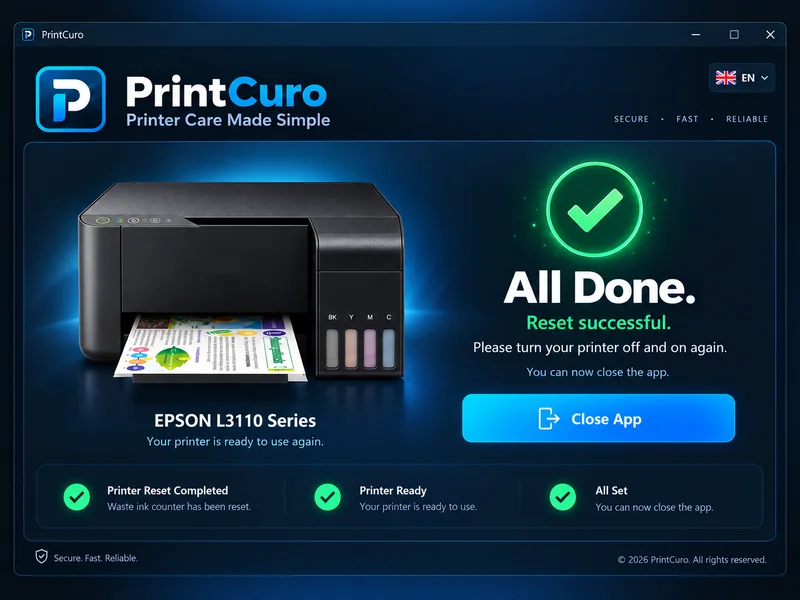
Reset successful
Your waste ink counter has been reset successfully.
Reset
—
Waste Ink Counter
—
Your reset key has now been used.
Reference: —
Important maintenance
The waste ink pad absorbs excess ink inside your printer. Resetting the counter does not replace or clean the ink pad.
We recommend replacing or servicing the waste ink pad. Repeatedly resetting the counter without servicing the pad can eventually cause ink leakage or damage to the printer.